
So your iPhone screen is not working, right? You’re tapping again and again, but nothing is happening. Feels irritating, honestly.
Don’t worry, this happens to a lot of people. It doesn’t always mean your phone is damaged.
Most of the time, the problem is small and you can fix it yourself.
Let’s go step by step and understand what’s going on and how to fix it.
Why iPhone Screen Is Not Working
First thing you’ll think is — “Why is my iPhone screen is not working suddenly?”
See, there can be a few simple reasons.
Sometimes the phone just hangs. Like when we use too many apps or something crashes, the screen stops responding.
Sometimes it’s even more basic. Your screen might be dirty, or your fingers are wet. Even that can stop the touch from working properly.
And if your phone has fallen recently, then yes, it could be a hardware issue.
Also, don’t ignore small things like screen protectors or covers. Cheap ones can actually affect touch.
So yeah, your iPhone screen is not working doesn’t always mean a big problem.
First Step – Restart Your iPhone
Whenever something like this happens, just restart your phone first.
Simple but very effective.
Just press and hold the power button, switch it off, wait a few seconds, and turn it back on.
You’ll be surprised, many times the iPhone screen is not working issue gets fixed just by doing this.
Force Restart – A Strong Fix
Now if the normal restart didn’t help, let’s try something stronger.
This is called force restart, and it works when your iPhone screen is not working completely or stuck.
Just press volume up, then volume down, and then press and hold the power button until you see the Apple logo.
It forces your phone to restart even if it’s frozen.
A lot of times, this step alone solves the issue.
Check Your Screen Condition
Let me ask you something — is your screen clean?
Because many times, the iPhone screen is not working just because of dirt or oil.
Take a soft cloth and clean it properly. Also make sure your hands are dry.
It sounds too simple, but trust me, this actually works in many cases.
Remove Screen Protector and Case
Now think about this — are you using a screen protector or a tight cover?
Sometimes these things block touch sensitivity.
Just remove them for a few minutes and try using your phone.
If your iPhone screen is not working gets fixed, then you know the real problem.
Check While Charging
Another thing — does your screen stop working when charging?
If yes, then your charger might be the issue.
Cheap or damaged cables can affect touch.
Just unplug the charger and check again.
If your iPhone screen is not working only during charging, then you need a better charger.
App-Related Problems
Let’s say your iPhone screen is not working only when you open a specific app.
Then the problem is not your phone, it’s the app.
Just close the app and open it again.
If it still happens, delete it and install it again.
Simple fix.
Check for Water or Moisture
Now be honest — did your phone get wet recently?
Even a little moisture can create problems.
If your iPhone screen is not working, keep the phone in a dry place and let it rest.
Don’t try to charge it immediately.
Give it some time, and it might start working again.
Update Your iPhone
Sometimes the issue is inside the software.
If your iPhone screen is not working, check if your phone needs an update.
Go to settings, then general, then software update.
Updates fix bugs, so this can help.
Reset Your iPhone (Last Option)
If nothing is working, then you can reset your phone.
But yes, this is a big step.
Take backup first.
Then go to settings, general, and reset everything.
When your phone becomes fresh again, many problems get solved, including when iPhone screen is not working.
When Nothing Works
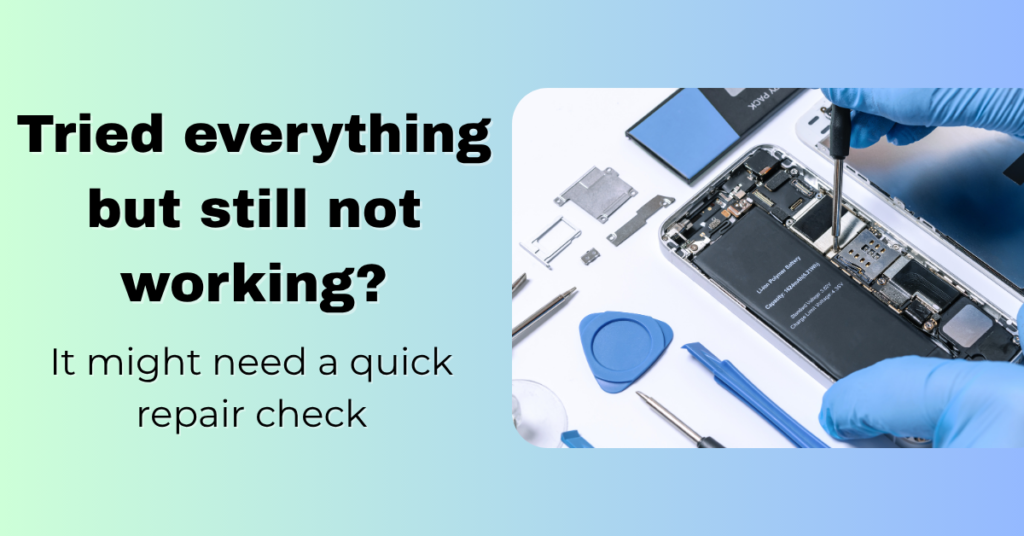
If you’ve tried everything and still your iPhone screen is not working, then it might be a hardware problem.
Maybe the screen is damaged from inside.
Maybe something got loose.
In this case, it’s better to go to a repair shop and get it checked.
Simple Tips to Avoid This Problem
You don’t want to face this again, right?
So just follow some simple habits:
- Keep your screen clean
- Don’t use cheap accessories
- Avoid water
- Use a good cover
- Keep your phone updated
Small things, but they help a lot.
Final Words
So yeah, if your iPhone screen is not working, don’t panic.
Start with simple things like restart and cleaning.
Then try force restart and updates.
And only go for repair if nothing works.
Most of the time, your phone just needs a small fix.
And once you understand this, you won’t stress the next time your iPhone screen is not working
People Also Loved To Read – Why My iPhone Is Heating? Real Reasons
Your digital success starts here! Explore Pabale Digital today!