
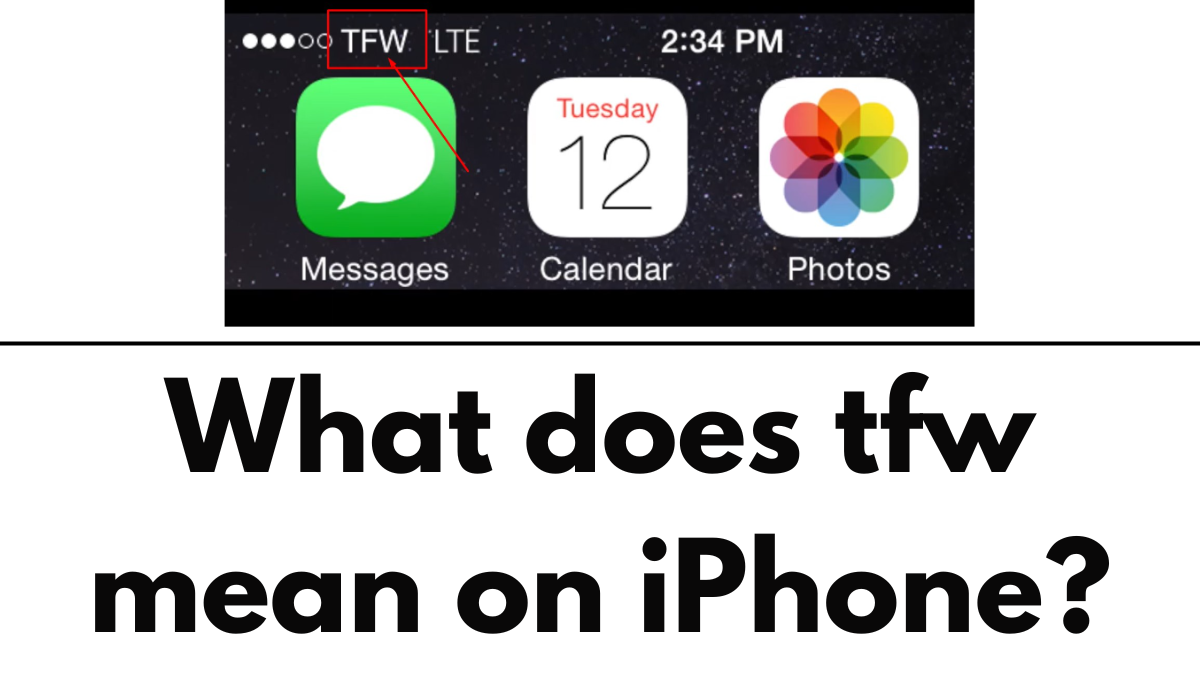
So, you’ve recently joined the iPhone club, and suddenly you’re seeing this mysterious “TFW” popping up on your phone’s status bar. What gives, right? Well, you really don’t need to worry about it. I’ve got the lowdown on what this cryptic message means and why it’s chilling on your iPhone.
Let’s Break It Down: What does TFW mean on iPhone?
Alright, let’s cut to the chase. TFW stands for TracFone Wireless. Basically, when you spot this label on your iPhone, it means you’re hooked up to the network of this US-based carrier. TracFone is like the cool cousin of Verizon Wireless, scooped up from México’s América Móvil back in 2021.
Now, TracFone doesn’t actually own its network. Nope, it’s what they call a mobile virtual network operator (MVNO). Think of it like the middleman of the cellular world. Alongside its main brand, TracFone oversees other big names like Safelink, Straight Talk, and Total by Verizon. So, if you’re using any of these, that’s why you’re seeing TFW.
Am I Stuck with TFW?
Nah, you’re not trapped in TFW land forever. Typically, your iPhone will cozy up to TracFone only if you’re a customer of theirs or their affiliates. But here’s the kicker: If your iPhone is set to roam on other networks, you might accidentally end up on Team TFW. No worries though, unless you’re globe-trotting and your home carrier doesn’t have your back with international roaming deals, you won’t rack up extra charges.
Can I Hide TFW?
Sorry to burst your bubble, but nope, you can’t swipe away TFW. But the question is, why do you want to? That carrier name is like your phone’s status update. It tells you what’s up with your cellular connection. If it says “No Service” or “SOS only,” that’s your cue that your signal’s taking a snooze.
And hey, the carrier name can be handy. Sometimes, it spills the beans on whether your calls are riding the 4G/5G wave or piggybacking on some Wi-Fi hotspot. Plus, it’s your early warning system for roaming. And let’s face it, none of us want a surprise phone bill that could buy a small island.

If you’re sweating over roaming charges, no worries. You can flip that switch off by cruising to Settings > Cellular > Cellular Data Options. Or, just go old-school and switch off cellular data until you’re back in your comfort zone.
TFW: The Disappearing Act
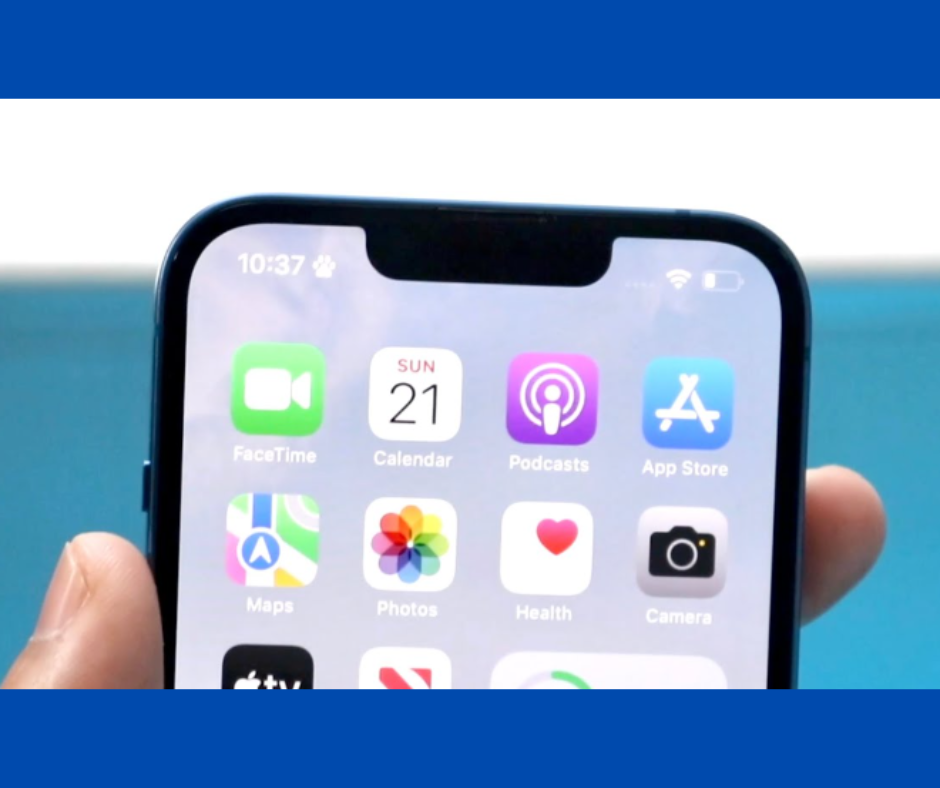
Now, here’s the good news for all you trendsetting iPhone users rocking the latest tech. If you’ve got an iPhone with a flashy notch or a Dynamic Island like the iPhone 15, you probably won’t even see your carrier name most of the time. It’s like a magic trick. Poof, and it’s gone! Only when you swipe open the Control or Notification Centers does it make a cameo appearance.
But hey, spare a thought for the iPhone SE crew. They’re stuck with carrier info on display at all times. Tough break, but hey, every family has its quirks, right?
People Also Loved To Read – Where is the microphone on iPhone 11?
For news updates, visit – Daily News 24×7