
Let’s be honest, when your iPhone not charging, it instantly creates tension. You plug in your phone, wait for that battery sign to go up, but nothing happens. Sometimes it charges very slowly, sometimes it stops again and again, and sometimes it does not respond at all.
In that moment, most people think something serious has happened to their phone. Some even think the battery is completely gone or the phone is damaged. But the truth is very different. In most cases, the iPhone not charging problem is caused by small and simple issues.
It can be something like a bad cable, dust inside the charging port, or even a small software glitch. These are things you can fix at home without spending money.
So don’t worry. Just go through this guide calmly, and you will understand exactly what is going wrong and how to fix it step by step.
Why iPhone Not Charging Happens
Before fixing the problem, it is important to understand why it happens. When you know the reason, solving it becomes much easier.
One of the most common reasons is a damaged charging cable. Even if the cable looks perfectly fine from outside, the wires inside can be broken due to daily use. Bending, twisting, or pulling the cable again and again slowly damages it. Because of this, power does not reach your phone properly, and your iPhone not charging issue starts.
Another common reason is the charger adapter. Many people use local or low-quality chargers to save money. These chargers do not provide stable power, and over time they create charging problems. Even original adapters can stop working after long use.
Then there is the charging port. This is something many people ignore. When you keep your phone in your pocket, small dust particles, lint, and dirt go inside the port. After some time, this blocks the connection between the cable and the phone. So even when you plug in the charger, it does not connect properly, and your iPhone not charging becomes a regular issue.
Sometimes the problem is not even in your phone or charger. The power source itself can be faulty. A loose socket, damaged switchboard, or unstable electricity can stop your phone from charging.
Software issues are also a hidden reason. Your iPhone runs on software, and sometimes small bugs or glitches can affect charging. These problems are not visible, but they can still cause your iPhone not charging situation.
And finally, battery health matters a lot. If your phone is old, the battery becomes weak over time. It cannot hold charge properly, and sometimes it behaves strangely during charging.
Small Checks You Should Always Do First
Before trying any solution, take a moment and check a few basic things. Many times, the problem is solved here itself.
Make sure your cable is properly inserted into both the phone and the adapter. Sometimes it looks connected, but it is actually loose.
Check your adapter and see if it feels normal. If it is too loose or damaged, it may not work properly.
Try a different socket in your house. Sometimes the issue is just the switchboard.
Look at your cable carefully. If you see cuts, bends, or damage, then that can be the reason your iPhone not charging.
These small checks may look simple, but they can save you a lot of effort.
Step by Step Fix for iPhone Not Charging
Now let’s go through the actual solutions. Follow them one by one, and after each step, check if your phone starts charging.
Restart Your iPhone
This is the easiest and most effective step. Many people ignore it, but it works in many cases. When you restart your phone, it clears small software bugs that may be causing the problem.
Just turn off your phone, wait for a few seconds, and turn it on again. Then plug in the charger and check. Sometimes, this alone fixes the iPhone not charging issue.
Try a Different Charging Cable
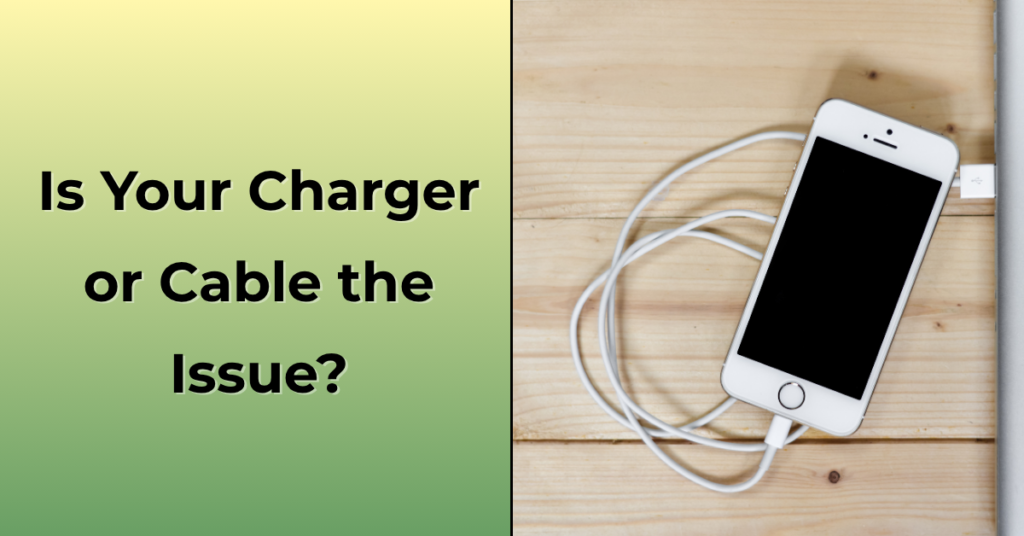
If restarting does not help, the next step is to check your cable. Use another cable if you have one, or borrow from someone.
If your phone starts charging with the new cable, then your old cable is clearly the problem. This is one of the most common reasons behind iPhone not charging complaints.
Change the Charger Adapter
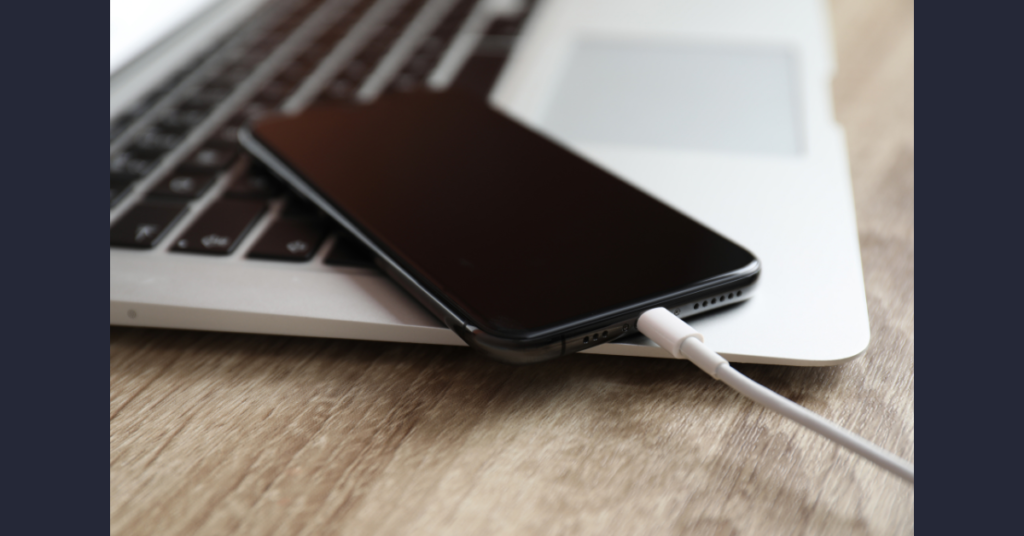
Now test the adapter. Use a different charger and see if it works. You can also plug your phone into a laptop or use a power bank.
If your phone charges with a different adapter, then your original adapter is faulty. This means you don’t need to worry about your phone at all.
Clean the Charging Port Properly
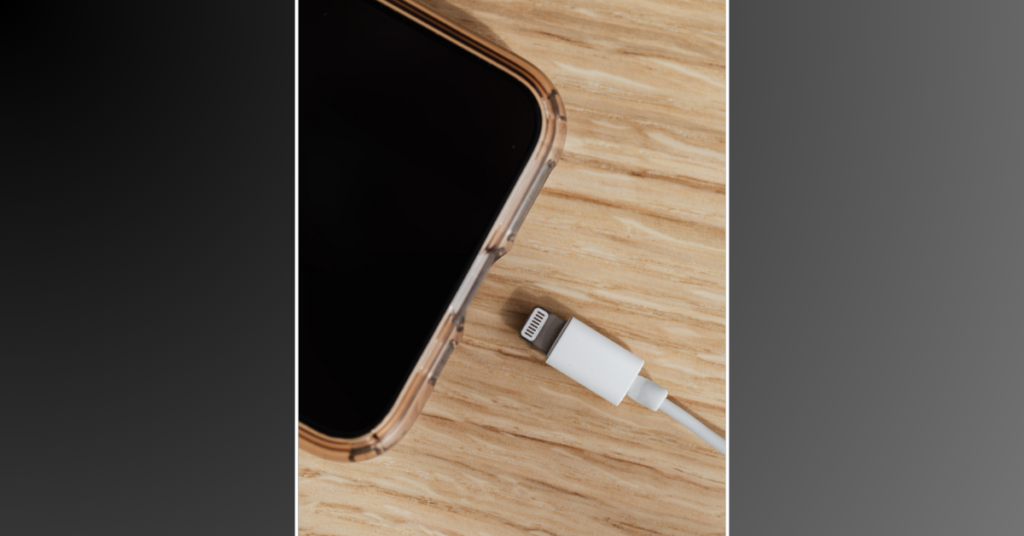
This step is very important and often ignored. Over time, dust collects inside the charging port and blocks the connection.
Take a wooden toothpick or a soft brush and gently clean the port. Do it slowly and carefully. You may see small dust particles coming out.
Once you clean it, plug in the charger again. Many people are surprised when their iPhone not charging problem gets solved just by doing this simple cleaning.
Try Another Power Source
Now check the power supply. Plug your charger into a different socket. Try another room if possible.
You can also use a power bank or connect your phone to a laptop. If your phone starts charging there, then the issue is not with your phone but with your electricity source.
Check for Software Update
Sometimes your phone just needs an update. Go to settings and check if there is any software update available.
Updates fix bugs and improve system performance. After updating, many users notice that their iPhone not charging issue disappears.
Let Your Phone Cool Down
If your phone feels hot, do not charge it immediately. Phones have safety features, and they may stop charging when the temperature is too high.
Keep your phone aside for some time, let it cool down, and then try again.
Try Wireless Charging
If your iPhone supports wireless charging, test it once.
If wireless charging works but cable charging does not, then the issue is most likely with the charging port. This helps you understand the exact problem.
When Nothing Seems to Work
If you have tried everything and your iPhone not charging, then the problem may be deeper.
At this point, you can try resetting your phone. This helps remove serious software issues. But before doing this, always take a full backup because all your data will be erased.
If even after resetting the problem continues, then it is clearly a hardware issue.
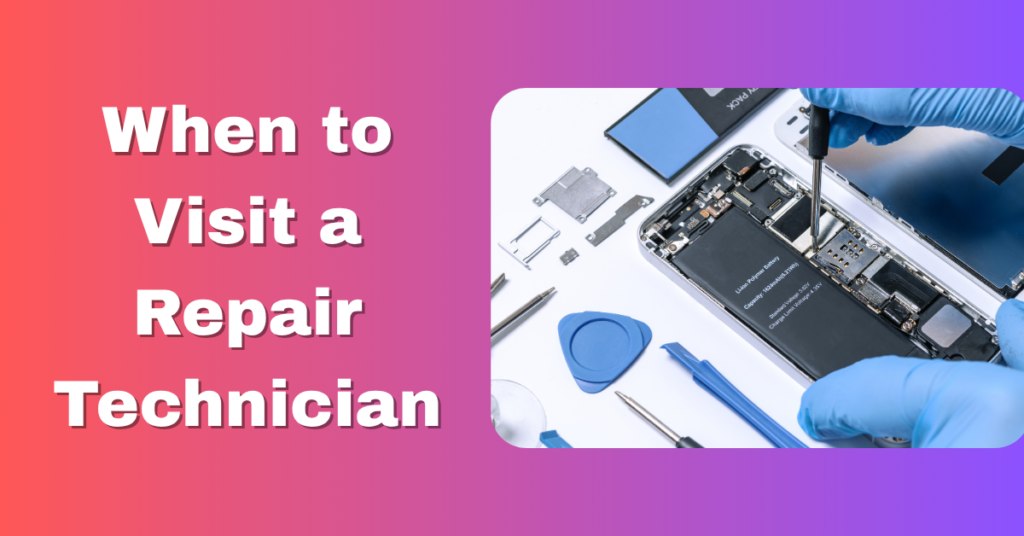
When You Should Visit a Technician
Sometimes it is better to stop trying at home and go to a professional.
You should visit a repair shop if you notice these signs:
- Your phone is not charging at all
- The charging port feels loose or damaged
- The battery drains very fast even after charging
- Your cable works on other phones but not on yours
- Your phone heats up too much while charging
These are clear signs that something inside the phone needs repair or replacement.
Simple Habits to Avoid This Problem
If you take care of a few small things, you can avoid the iPhone not charging issue in the future.
Always use a good quality charger. Cheap chargers may save money in the beginning, but they can damage your phone later.
Avoid pulling the cable roughly. Always remove it gently to protect the port.
Clean your charging port from time to time. Dust is a very common reason for charging issues.
Do not use your phone heavily while charging. This increases heat and affects battery health.
Keep your phone updated so that software bugs do not create problems.
Final Thoughts
So if your iPhone not charging, there is no need to panic. Most of the time, the problem is simple and can be fixed easily at home.
Just stay calm and go step by step. Check your cable, try another charger, clean the port, and restart your phone. These small steps solve the issue in most cases.
Only if nothing works, then you should think about repair.
And once your phone starts working again, just follow some basic care. That will help you avoid this problem in the future.
People Also Loved To Read – Why My iPhone Is Heating? Real Reasons
Your digital success starts here! Explore Pabale Digital today!