
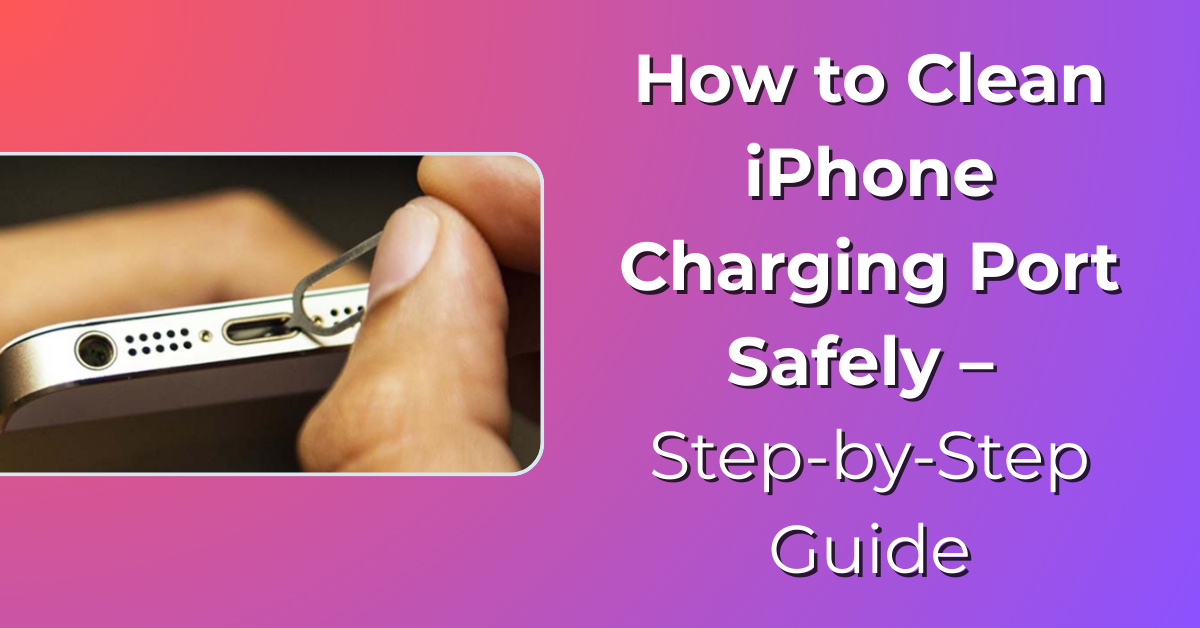
Your iPhone is something you probably use all day. You use it to call people, send messages, scroll social media, take photos, watch videos, and a lot more. But sometimes you may notice a small problem. Your iPhone may stop charging properly. The charging cable may feel loose or the charging may keep stopping again and again.
Many people think something is wrong with the charger or the battery. But in many cases, the] real problem is very simple. The charging port may just be dirty. Over time, small dust particles, pocket lint, and tiny pieces of dirt collect inside the charging port. This usually happens when you keep your phone in your pocket or bag. When this dirt builds up, the charger cannot connect properly with the phone.
That is why it is helpful to know how to clean iPhone charging port safely. In this guide, you will learn how to clean iPhone charging port step by step in a very simple way. We will also talk about the tools you can use, things you should avoid, and some easy tips to keep the charging port clean in the future.
Why You Should Learn How to Clean iPhone Charging Port
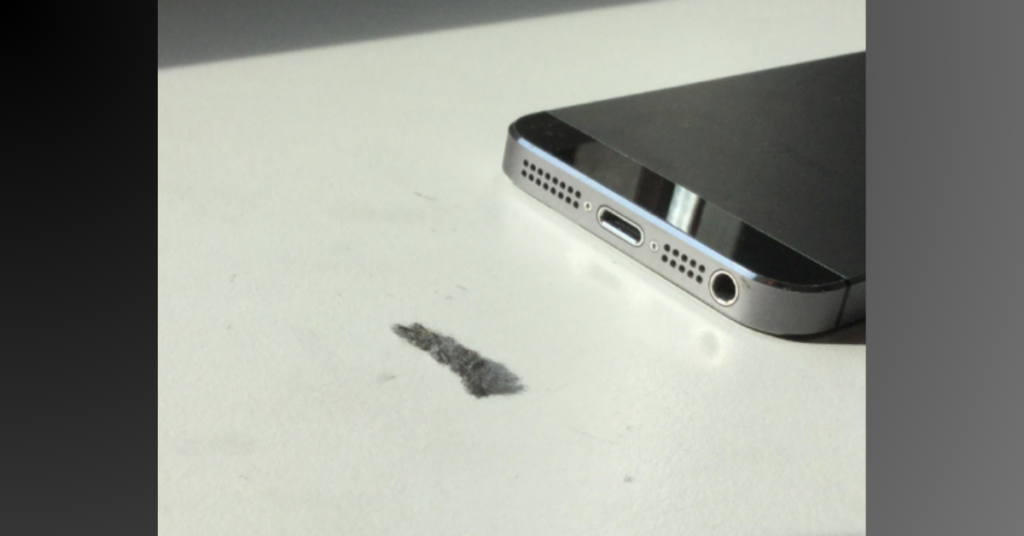
The charging port on your iPhone is a very small space. Because it is open, dust and lint can easily enter it. This usually happens when you carry your phone in your jeans pocket, handbag, or backpack.
Over time, small particles slowly collect inside the charging port. At first you may not notice it. But after some time the dirt starts blocking the charger connection.
When that happens, you may start seeing problems like:
- Your iPhone charging very slowly
- Charging starting and stopping again and again
- The charging cable not fitting tightly
- Your phone not charging at all
When people see these problems, they often think they need a new charger or battery. But sometimes the solution is much easier. You simply need to learn how to clean iPhone charging port properly.
Cleaning the port can help the charger connect correctly again and your phone may start charging normally.
Signs Your iPhone Charging Port Needs Cleaning
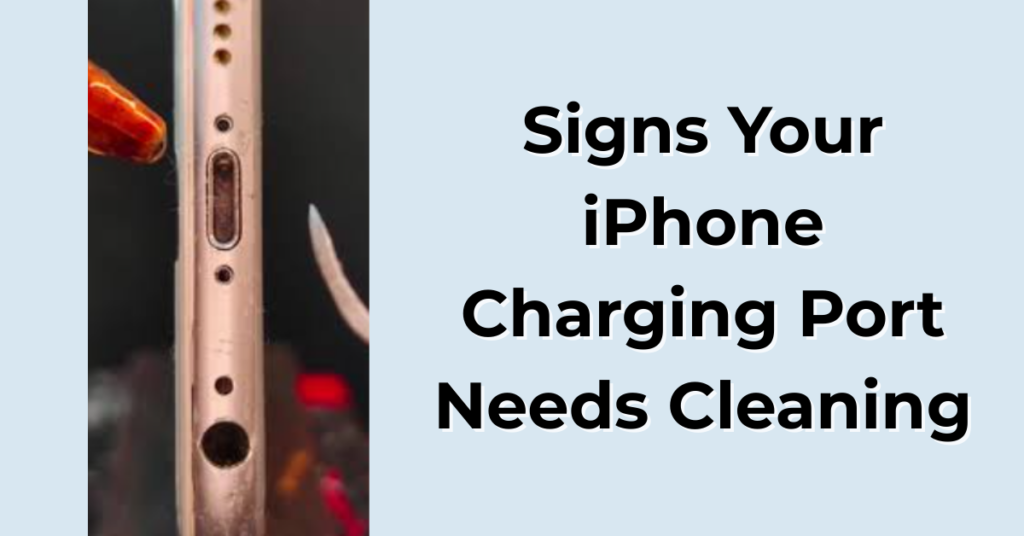
Before you start cleaning anything, it is a good idea to check if the charging port is actually dirty.
There are a few common signs that show your charging port may need cleaning.
1. Charger Cable Feels Loose
If you plug in the charger and it feels loose or moves around easily, there may be lint or dirt stuck inside the port.
2. iPhone Charges Only at Certain Angles
Sometimes the phone charges only when you move the cable in a certain position. This usually means something inside the port is blocking the connection.
3. Charging Starts and Stops
Another common sign is when charging starts and then suddenly stops after a few seconds.
4. You Can See Dust Inside the Port
If you look closely at the charging port using a light and notice small pieces of dust or lint, then cleaning is needed.
If you notice any of these signs, it may be the right time to learn how to clean iPhone charging port safely.
Things You Need Before Cleaning
Before you begin cleaning the charging port, it is better to prepare a few simple tools. You do not need anything special or expensive.
Some useful things you can use are:
- A compressed air can
- A soft brush or toothbrush
- A wooden toothpick
- A SIM ejector tool
- A flashlight or a good light source
These tools can help remove dust and lint from the charging port without damaging it.
But the most important thing to remember is to always be gentle. The charging port has small and delicate parts inside.
Important Step Before Cleaning
Before you start the process of how to clean iPhone charging port, there is one very important step you should not skip.
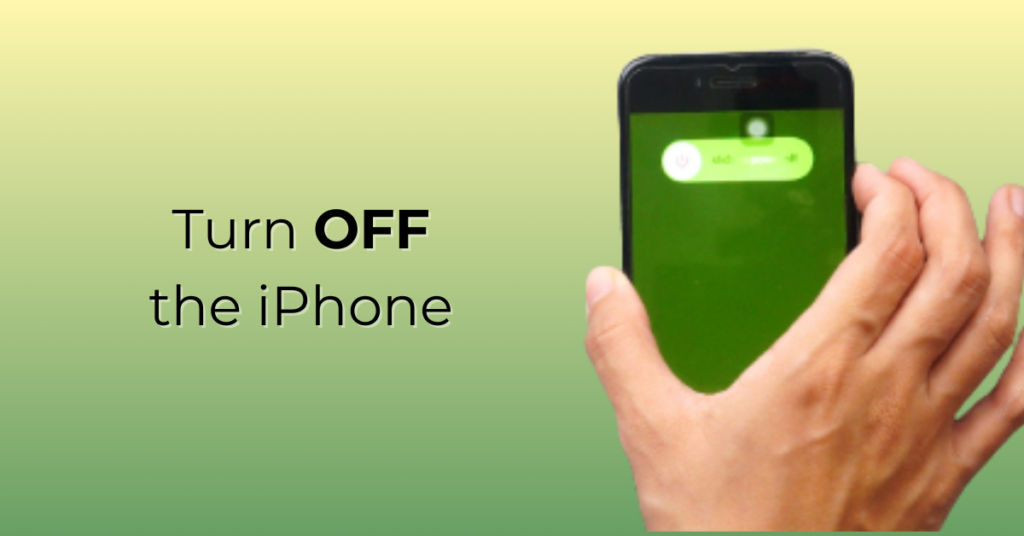
Turn Off Your iPhone
- Always switch off your iPhone before cleaning the charging port.
- Turning off the phone helps avoid any electrical problems while cleaning.
- Also make sure the charging cable is removed and no accessories are connected to the phone.
- After that, sit in a place with good lighting so you can clearly see the charging port.
- Now you are ready to start cleaning.
Method 1: How to Clean iPhone Charging Port Using Compressed Air
One of the easiest and safest ways to clean the charging port is by using compressed air.
Compressed air can push out loose dust without touching the delicate parts inside the port.
Steps –
- Hold the compressed air can straight.
- Keep the nozzle a little distance away from the charging port.
- Spray short bursts of air into the port.
- Watch if dust or lint comes out.
- Repeat this a couple of times if needed.
Short bursts usually work best because they push out dirt without forcing it deeper inside.
After doing this, plug in your charger again and see if your iPhone starts charging normally.
If the problem is still there, you can try another cleaning method.
Method 2: How to Clean iPhone Charging Port Using a Soft Brush
Sometimes the dirt inside the charging port sticks to the sides. In that case, air alone may not remove it. This is where a soft brush can help. A clean toothbrush or even a small makeup brush works well.
Steps –
- Take a clean and dry soft brush.
- Slowly insert the brush into the charging port.
- Move the brush gently from side to side.
- Try to loosen any dirt or lint inside.
- Remove the brush and see if the dirt comes out.
The important thing here is to be very gentle. The small pins inside the charging port can bend if too much pressure is applied.
Once the dirt becomes loose, you can blow air again to remove it.
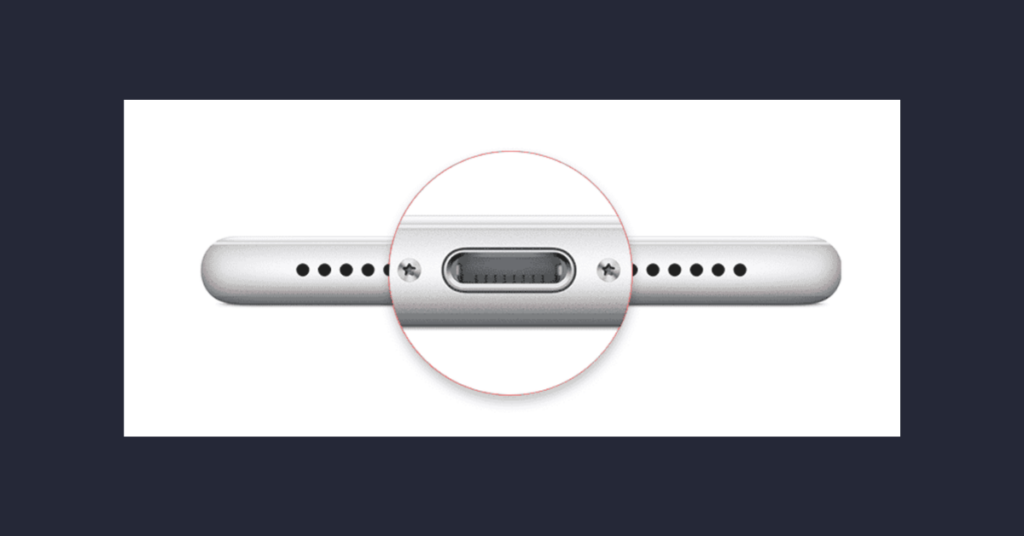
Method 3: How to Clean iPhone Charging Port Using a Toothpick
If dirt is stuck tightly inside the charging port, you may need a small tool to remove it. A wooden toothpick can work well for this. But you should use it very carefully.
Steps –
- Take a clean wooden toothpick.
- Make sure it is dry and not broken.
- Slowly insert it into the charging port.
- Move it gently from side to side.
- Carefully pull out the dirt or lint.
Wooden toothpicks are usually safer than metal tools because they are softer.
Just make sure you do not push the toothpick too deep or apply too much force.

Method 4: Use a Flashlight to Check the Port
After cleaning, it is always a good idea to check the charging port again.
You can use a flashlight or your phone’s light to look inside the port.
Check if there is still any:
- Dust inside
- Small pieces of lint
- Dirt stuck on the corners
If you still see something inside, you can repeat the cleaning steps slowly.
This helps make sure the charging port is completely clean.
What NOT to Do When Cleaning iPhone Charging Port
While learning how to clean iPhone charging port, it is just as important to know what you should avoid doing. Some common mistakes can actually damage the charging port.
Do Not Use Metal Tools
Avoid using pins, needles, knives, or paper clips.
Metal tools can scratch or damage the small connectors inside the port.
Do Not Use Water
Never pour water or any liquid into the charging port.
Liquids can damage the internal parts of your phone.
Do Not Blow With Your Mouth
Blowing air with your mouth may seem easy, but your breath contains moisture.
That moisture can harm the charging port.
Do Not Use Too Much Force
The charging port is delicate. If you push too hard, you may bend the connectors.
Always clean slowly and gently.
When You Should Visit a Professional
Sometimes cleaning the charging port may not fix the problem. If that happens, the issue may be something else inside the phone. In that situation, it is better to visit a professional repair technician. You should consider professional help if:
- Your iPhone still does not charge
- The charging port looks damaged
- The cable still feels loose even after cleaning
Professionals have special tools and experience to clean or repair the charging port safely.
Tips to Keep Your iPhone Charging Port Clean
Now that you know how to clean iPhone charging port, it is also helpful to follow some simple habits that can keep the port clean.
1. Keep Your Phone in a Clean Pocket
Dust and lint from pockets are one of the most common reasons charging ports get dirty.
2. Use a Protective Case
Some phone cases include small covers for the charging port.
These covers can help block dust from entering.
3. Clean the Port Occasionally
You do not have to clean it every week, but checking it once in a while can help prevent dirt buildup.
4. Avoid Dusty Surfaces
Try not to place your phone on dirty tables or dusty areas.
These small habits can make a big difference.
How Often Should You Clean iPhone Charging Port?
Many people wonder how often they should clean the charging port. There is no strict rule for this. But checking the port every one or two months is usually a good idea. If you keep your phone in your pocket most of the time, dust may collect faster. Cleaning it occasionally can help keep your phone charging smoothly.
Final Thoughts
The iPhone charging port may look small, but it plays a very important role. If it becomes dirty, your phone may stop charging properly.
The good thing is that learning how to clean iPhone charging port is not difficult at all.
You can clean it safely using simple things like:
- Compressed air
- A soft brush
- A wooden toothpick
Just remember to switch off your phone before cleaning and always be gentle while doing it.
Also avoid using metal tools or water because they can damage your device.
By following these simple steps, you can keep your charging port clean and make sure your iPhone charges properly whenever you plug it in.
Now that you understand how to clean iPhone charging port, you can easily fix one of the most common charging problems without leaving your home.
People Also Loved To Read – Will verizon have iphone 16 deals?
Your digital success starts here! Explore Pabale Digital today!